
 Shift News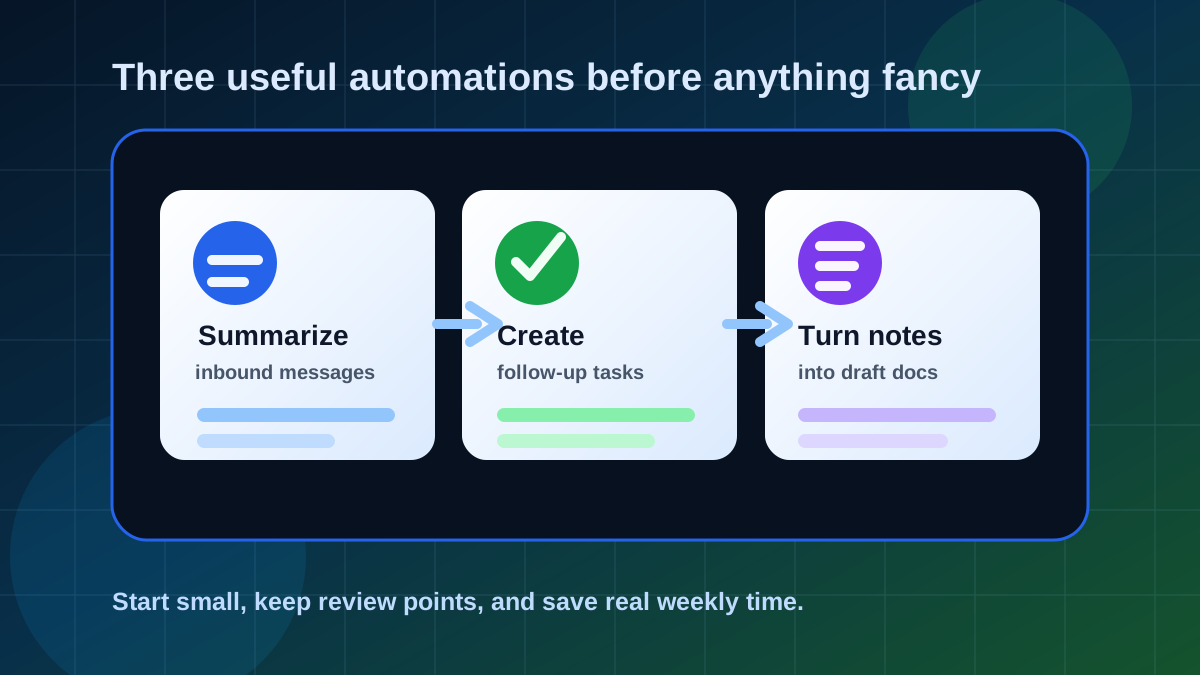
The best first AI automations are boring in the right way. They do not pretend to run your business. They take messy inputs and turn them into something easier to review.
If an automation cannot save time on a task you already repeat, it is probably not the right first build. Start with workflows where the input is predictable, the output is reviewable, and mistakes are easy to catch before they reach a customer.
Automation 1: Summarize Inbound Messages
This is the easiest place to start because inboxes are full of repeated patterns: customer questions, support requests, sales leads, meeting invites, invoices, and newsletters.
Input
New email, form submission, voicemail transcript, support ticket, or chat export.
AI Step
Summarize the message, identify urgency, extract names and dates, and suggest a reply angle.
Human Step
Review the summary, correct details, and decide whether to reply, delegate, or ignore.
Build It Like This
- Trigger: a new form submission, labeled email, or support message arrives.
- Filter: only process messages that match a category you understand.
- Summarize: ask AI for urgency, topic, requested action, and missing information.
- Save: write the summary to a spreadsheet, CRM note, or task comment.
- Review: keep the final reply human-approved until the workflow is proven.
Automation 2: Create Follow-Up Tasks
Most missed opportunities are not dramatic. Someone says "send me that quote," "check back next week," or "circle back after Friday," and the task disappears into a messy note.
AI can scan meeting notes, emails, or call transcripts and suggest follow-up tasks with owners, due dates, and context. The important part is that it creates draft tasks, not silent commitments.
- Extract promised follow-ups from meeting notes.
- Turn customer requests into task titles and short descriptions.
- Flag missing due dates so a person can choose one.
- Route tasks into Trello, Asana, Notion, ClickUp, Google Tasks, or a simple spreadsheet.
Review Rule
Let AI draft the task, but make a human confirm deadlines, priority, and who owns the work.
Automation 3: Turn Notes Into Drafts
This is where AI starts feeling genuinely useful. You already have raw material: meeting notes, voice memos, research bullets, customer calls, or messy thoughts. AI can turn that material into a first draft.
The draft might become a client recap, newsletter section, internal SOP, blog outline, project brief, or social post. The key is to keep the source notes attached so you can verify the output.
Draft Workflow
- Capture: collect notes from a document, transcript, form, or voice memo.
- Structure: ask AI to organize them into headings, bullets, and decisions.
- Draft: request the exact format you need: recap, brief, email, SOP, or post.
- Verify: compare the draft against the original notes before sending or publishing.
- Store: save the draft and the source together so the context is not lost.
What To Avoid First
Avoid automations that send customer messages, change records, approve purchases, or publish content without review. Those can come later, after you know the workflow is stable.
- Do not start with fully automatic customer replies.
- Do not let AI update pricing, contracts, or billing without approval.
- Do not connect sensitive data until privacy and access rules are clear.
- Do not automate a task you cannot explain manually.
Bottom Line
Your first AI automations should make work easier to review. Summarize messages, create follow-up tasks, and turn notes into drafts. That gives you real time savings without handing important decisions to an untested system.