
 Shift News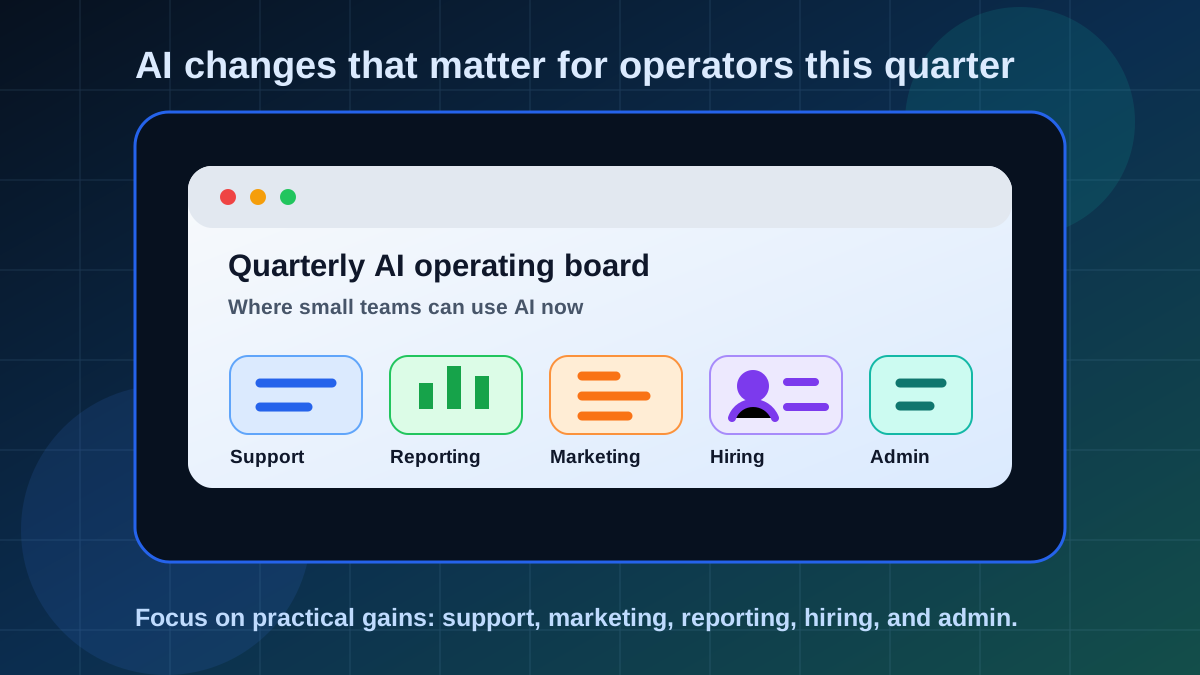
The biggest AI shift for small businesses this quarter is simple: useful AI is getting closer to the inbox, calendar, spreadsheet, document, meeting, and customer conversation.
OpenAI is adding more business workflow features to ChatGPT Business. Microsoft is pushing Copilot deeper into Microsoft 365 and has been rolling out SMB-focused Copilot Business packaging. Google has folded Gemini features into Workspace business plans and continues to add Gemini capabilities across Gmail, Docs, Sheets, Slides, Drive, Chat, and Meet.
What Changed For Operators
The practical story is not one magic model. It is AI showing up inside the systems small teams already use to run the day.
Support
AI can summarize customer messages, suggest replies, identify urgency, and turn repeated questions into help content.
Marketing
AI can repurpose offers, draft emails, rewrite landing-page copy, create campaign angles, and test clearer messaging.
Reporting
AI can summarize spreadsheets, explain trends, draft weekly updates, and turn scattered notes into a readable business brief.
Customer Support: The First Practical Win
Small teams often lose time reading the same type of message over and over. AI can help by turning a messy message into a short summary, a suggested next step, and a draft response.
Keep the first version review-based. AI can draft the response, but a person should approve tone, promises, refunds, pricing, and anything that affects the customer relationship.
Marketing: More Iteration, Less Blank Page
AI is useful for marketing when you already know the offer. It can help rewrite a service page, create newsletter angles, turn reviews into proof points, and adapt one idea across email, social, and web copy.
The danger is generic content. The fix is to feed AI real details: customer objections, proof, examples, pricing context, and your actual tone.
Quarterly Operator Checklist
- Pick one support workflow: summarize inbound requests and draft replies for review.
- Pick one marketing workflow: turn one offer into email, social, and landing-page copy options.
- Pick one reporting workflow: summarize weekly numbers and explain what changed.
- Pick one hiring workflow: draft job posts, interview questions, or candidate scorecards.
- Pick one admin workflow: turn meeting notes into tasks, follow-ups, and owner assignments.
Reporting: Make Numbers Easier To Explain
AI will not know your business better than you do, but it can help explain spreadsheets and reports in plain English. That is useful for weekly updates, client summaries, leadership notes, and spotting questions worth investigating.
Treat AI analysis as a starting point. Verify source data, formulas, date ranges, and anything tied to revenue, costs, hiring, inventory, taxes, or customer commitments.
Hiring And Admin: Drafts, Not Decisions
AI can help draft job posts, summarize interview notes, create candidate questions, and clean up internal SOPs. It should not make hiring decisions or screen people without a careful, legally reviewed process.
- Use AI to draft job descriptions and interview guides.
- Use AI to summarize notes, not judge candidates automatically.
- Use AI to turn messy procedures into first-draft SOPs.
- Review anything that affects fairness, employment, pay, or legal obligations.
Simple Rule
If the workflow saves time but still lets a person approve the final customer, employee, or money-related decision, it is a good candidate for this quarter.
Bottom Line
For small business operators, AI is becoming less about experimenting with a chatbot and more about improving the everyday operating rhythm. Start with support, marketing, reporting, hiring drafts, and admin cleanup. Keep review points in place. Track whether the workflow actually saves time.